QR code with your logo
For a link, Wi-Fi or WhatsApp, with your logo in the middle. Pick the size and download, free.
Everything stays on your device: QR and logo are created in your browser, no upload.
How it works
- Choose what it should open
A link (e.g. the restaurant menu), Wi-Fi for guests, a WhatsApp chat, an email or a phone call.
- Give it a style and, if you like, the logo
Choose a ready-made style. The logo goes in the middle with a white box and the highest error correction, so the code stays readable.
- Choose the size
Small 500 px for social media and business cards, Medium 1000 px for menus and flyers, Large 2000 px for posters, Print 4000 px for big posters and shop windows.
- Download
Every time you change something I try to read the QR here on your device. Then you download the PNG in the size you chose, or the vector SVG for the print shop.
Printing tips
The QR should be at least 2 cm wide, better 3. On a flyer read from a metre away, at least 10 cm. At 300 dpi, Small stays sharp up to 4 cm, Medium up to 8 cm, Large up to 17 cm, Print up to 34 cm. For bigger sizes use the SVG. Before printing lots of copies, test it with 2 different phones.
Privacy
The QR code and logo are created here, in your browser: nothing is uploaded to a server, no account. The logo stays on your device. Visit statistics (Google Analytics) only start if you accept them in the cookie banner.
Frequently asked questions
Do QR codes expire?
No. They're “static” QR codes: your link or text is inside them directly, without going through other sites. They work forever with unlimited scans.
Can I use them for my business?
Yes, commercial use too: menus, shop windows, business cards, flyers, packaging. The QR is yours.
Can I change the link after printing?
No: the link is written inside the code. If it changes, you create a new QR. That's why it's best to point to an address that doesn't change, like your website's home page.
The logo covers part of the code: can it still be read?
Yes, if the logo isn't too big. I use error correction “H”, which recovers up to 30% of the covered code, and I check it reads after every change. If you see the orange warning, make the logo smaller.
Which colours should I choose?
Dark code on a light background, with plenty of contrast. Many cameras can't read an inverted QR (light on dark): if that happens I'll warn you.
Do you save my data or my logo?
No. Everything happens in your browser: no upload, no account. Visit statistics (Google Analytics) only start if you accept them in the cookie banner. You can even disconnect from the internet after opening the page.
PNG or SVG?
PNG to use it straight away (social media, WhatsApp, documents). SVG for the print shop or for large prints: it's vector, so it stays sharp at any size.
Other free tools
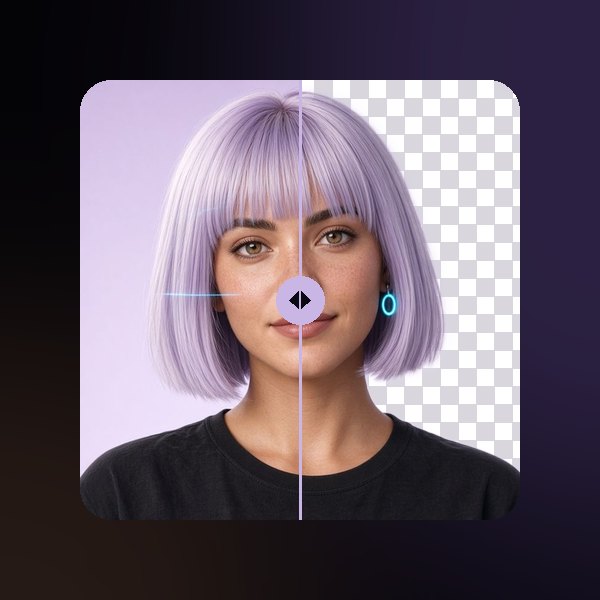 Photos and images
Remove the background
Transparent, white or coloured PNG.
Open →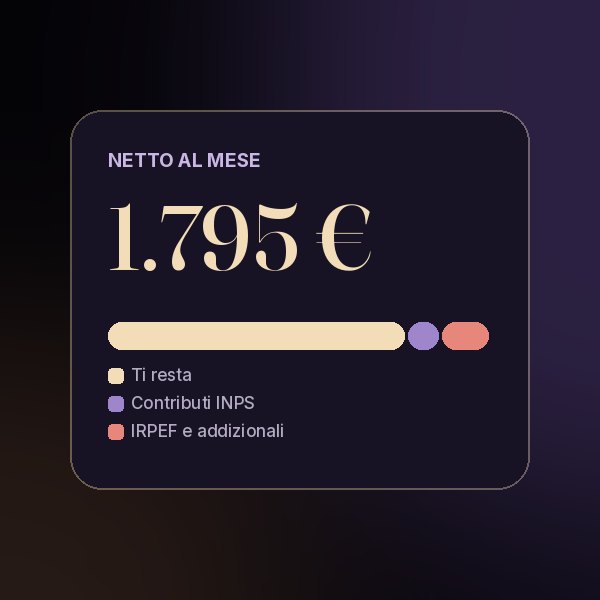 Money and work
Calculate your net pay
From gross to net. Italian 2026 rules.
Open →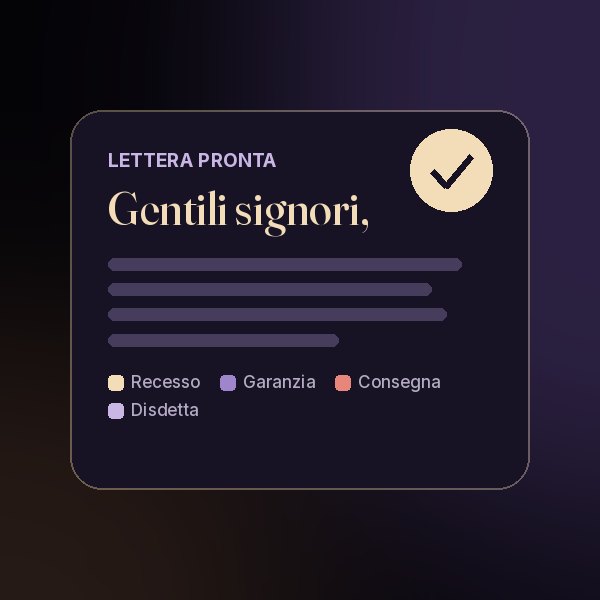 Your rights
Ready-made letters for your rights
Withdrawal, warranty, delivery, cancellation, noise.
Open →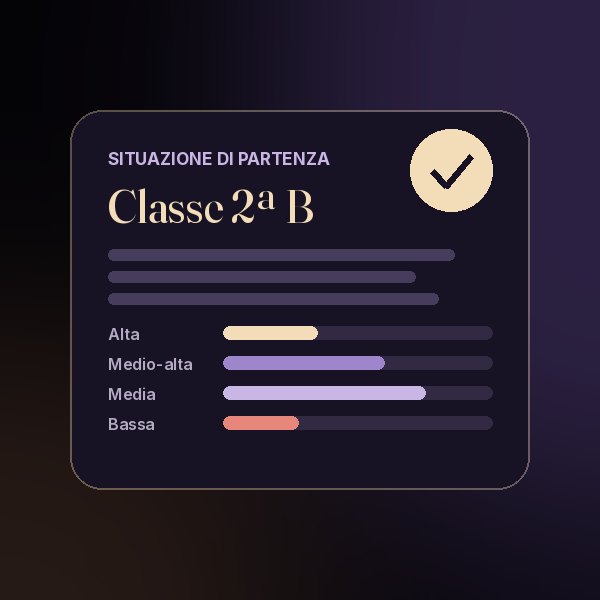 For school
Class presentation
Starting situation and ability bands.
Open →Tell me what would be handy: a converter, a calculation, a generator. The most useful requests become new tools, right here.
Ask me on Instagram